
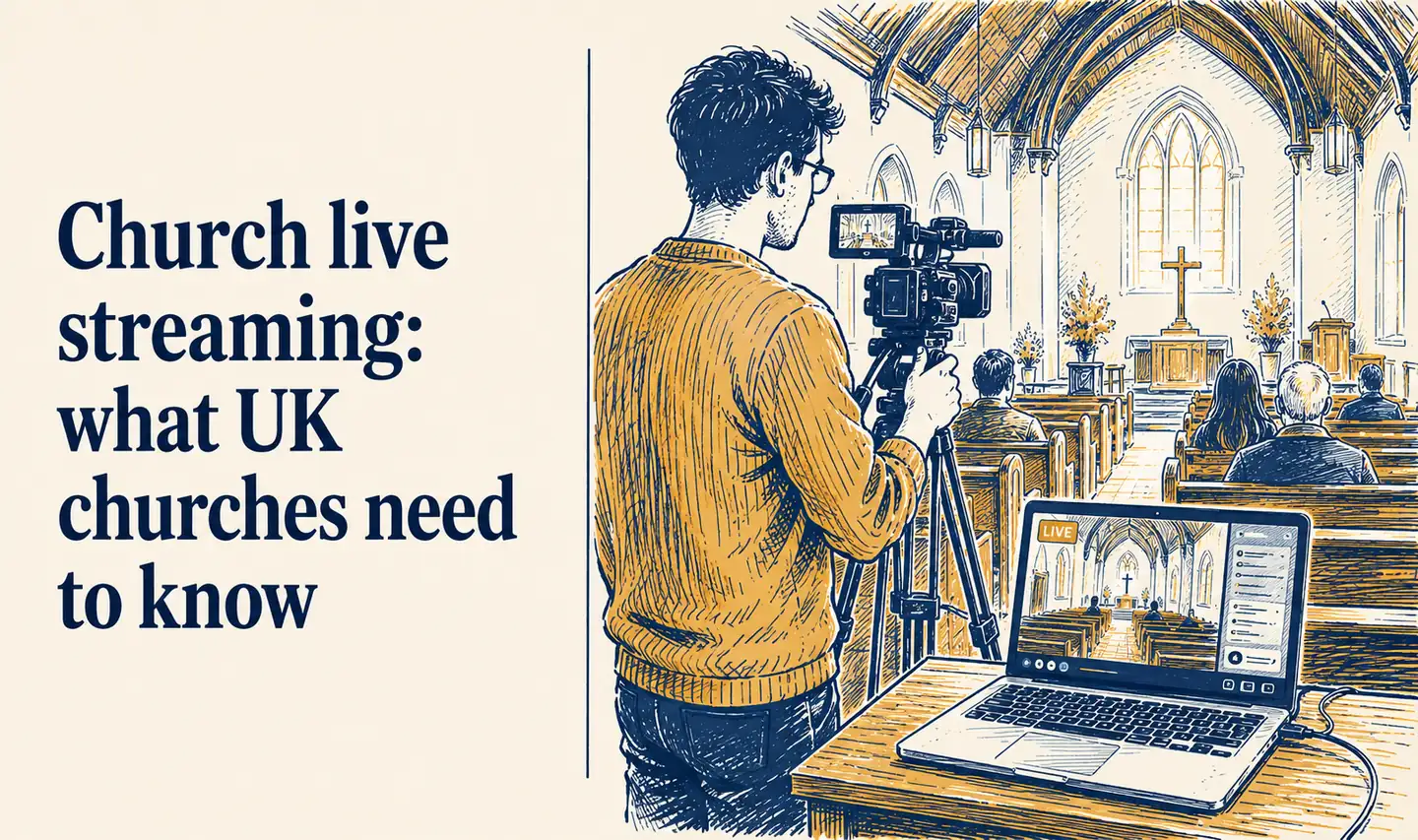
Church live streaming: what UK churches need to know
Live streaming church services became common during the pandemic and has stayed that way. Many UK churches now stream or record their Sunday service as a matter of course, having discovered that it serves congregation members who are ill, travelling or caring for someone at home - and occasionally draws in people who would not have attended in person.
This guide covers the practical decisions: where to stream, what equipment you need, the legal considerations specific to UK churches, and how to promote your stream through social media.
Where to stream
YouTube is the best platform for most UK churches. It is free, widely understood, searchable, and the recordings are automatically archived so people can watch later. A church YouTube channel also provides a growing library of sermon content that prospective visitors can browse before deciding whether to come in person.
Facebook Live is worth using if your congregation is primarily Facebook-based and you want the stream to appear directly in your followers’ feeds without them needing to navigate to YouTube. The downside is that Facebook Live recordings have a less predictable lifespan and the quality of the archive experience is lower than YouTube.
Both simultaneously is possible and worth doing if you have the setup for it. Tools like StreamYard allow you to stream to multiple platforms at once from a single feed. For a church with an older congregation on Facebook and a younger one on YouTube, simultaneous streaming reaches both without additional production effort.
ChurchReach can schedule and promote your stream announcements across all your connected platforms and supports YouTube scheduling directly.
Equipment
You do not need professional broadcast equipment to produce a watchable stream.
Minimum viable setup: A modern smartphone on a tripod, positioned at the back of the church with a clear view of the speaker, connected to the church’s audio system via a simple adapter if possible. This produces a watchable stream at no meaningful cost beyond the phone you already have.
A step up: A dedicated webcam or entry-level mirrorless camera (something like a Sony ZV-E10 or Canon M50) connected to a laptop running OBS Studio (free software) for more control over the image. This setup costs a few hundred pounds and produces noticeably better quality.
Audio first. Poor audio is more damaging to a stream than poor video. People will watch a slightly blurry video; they will not stay with a stream where they cannot hear the sermon clearly. If your church has a sound desk, getting a direct feed from it into your streaming setup is the single most impactful improvement you can make.
Legal considerations for UK churches
Music licensing. If your services include congregational singing of contemporary worship songs, you need appropriate music licences to stream legally. The CCLI Streaming Licence covers streaming of worship music for UK churches and is separate from the standard CCLI licence that covers printed song sheets. Check your current CCLI coverage before you go live.
Copyright for other music. Hymns in the public domain are generally fine. Contemporary worship songs, secular music used in services, and any recorded music played during the stream require licensing. When in doubt, check with CCLI or PRS for Music.
GDPR and consent. People visible and audible in a live stream are having their image and voice broadcast publicly. The practical approach most churches use is a notice at the entrance explaining that the service is being live streamed, with an invitation for anyone who does not want to appear on the stream to sit in a position out of shot. Document this consistently.
Children. Apply the same consent principles to live streaming as to photography. Children should not appear on a public live stream without parental consent. Position cameras to minimise the likelihood of children being clearly identifiable, and place children’s groups and Sunday school in areas that are out of shot where possible. See can I post photos of children at church? for the wider safeguarding context.
How to promote your stream on social media
A stream that nobody knows about serves only the people who were going to watch anyway. A few straightforward posts make a meaningful difference to viewership.
The week before: Announce that you stream your Sunday service, with the platform and any link. Many people do not know their local church streams even if it has been doing so for years.
Saturday evening: A reminder that the service is tomorrow, with the stream link. People who are unwell or unable to attend in person plan their Sunday on Saturday evening.
Sunday morning: A post when the stream goes live, with the direct link. Keep it simple: “We are live now. Join us at [link].”
After the service: Post the recording link. This is the post with the longest tail - people share sermon recordings with friends, and an archived recording continues to reach people for weeks after it is posted.
For scheduling all of these in advance without being at your phone on Sunday morning, see how to schedule church social media posts.
Sermon content from your stream
Once you are streaming and archiving sermons on YouTube, you have a content resource worth using throughout the week. A clip from Sunday’s message, a quote from the sermon, a summary post with a link to the full recording: all of these extend the reach of what your pastor said on Sunday to people who were not in the room.
For how to turn a sermon recording into a week of social media content, see how to repurpose your church sermon into social media content.
ChurchReach supports YouTube scheduling and can promote your weekly stream announcements automatically. Start a free trial at churchreach.co.uk.