
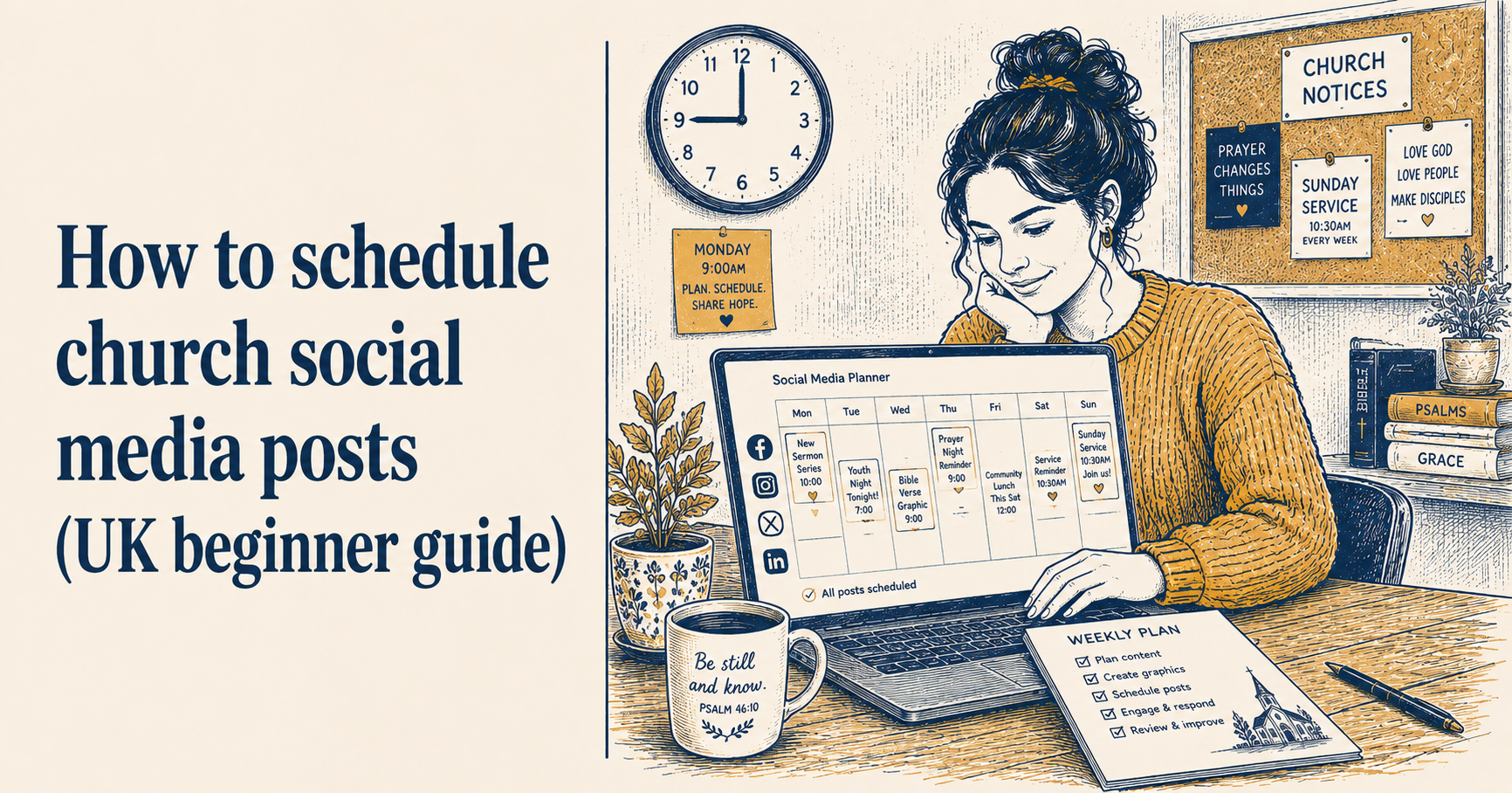
How to schedule church social media posts (UK beginner guide)
If you are posting church social media reactively, you already know what it feels like. You get to Wednesday evening and realise you have not posted anything since Sunday. You open Facebook, try to think of something worth saying, and end up posting something slightly rushed that does not quite represent your church as well as you would like.
Scheduling your posts in advance fixes this. Instead of deciding what to post when you are already behind, you sit down once a week, plan and write everything, set it to publish automatically, and do not think about social media again until the following week.
This guide covers how to do that, what tools make it easier, and the simple weekly rhythm that works for most UK church volunteers.
What scheduling actually means
Scheduling means writing your posts in advance and setting them to go live at a specific time, without you needing to be at your phone or computer when they publish.
Most social media platforms and third-party tools let you do this. You draft the post, attach any photos or graphics, choose the date and time you want it to publish, and save it. At the specified time it goes live automatically.
For a church volunteer, this has one significant practical benefit: you can do all your social media work in one sitting, at a time that suits you, rather than fitting it around Sunday mornings and midweek evenings when things are actually happening.
The batching habit
The most effective way to use scheduling is to batch your content. Rather than thinking about social media every day, you set aside one dedicated session per week and produce everything in that session.
For most church volunteers, Monday morning or Sunday afternoon works well. Sunday afternoon while the week’s content is fresh: you have photos from the morning’s service, a sense of what the pastor spoke about, and a clear view of what is coming up during the week. Monday morning if you prefer a fresh start to the week.
The session does not need to be long. An hour is enough for most churches posting three or four times a week. In that hour you decide what you are posting, write the captions, find or take any photos you need, create any graphics, and schedule everything to go out at the right times.
Once it is scheduled, close the app. You are done for the week.
What to schedule and when
A simple weekly rhythm for a UK church posting three or four times a week:
Sunday or Monday: A recap or reflection from Sunday’s service. A photo from the morning, a quote from the sermon, or a brief thought from the pastor. Post this while the memory is fresh.
Tuesday or Wednesday: A practical mid-week update. An event reminder, a change to upcoming service times, a community news item, or a call to prayer for something happening in the congregation or the wider world.
Thursday or Friday: Something devotional or reflective. A Bible verse with a short personal reflection, a thought connected to the season of the church year, or a question worth sitting with over the weekend.
Saturday (optional): A reminder about Sunday’s service. Start time, any special elements worth mentioning, a warm invitation. This post earns its place because people often decide whether to come to church on Saturday evening.
This rhythm covers the essentials without requiring daily posting and gives each post a clear purpose rather than posting for the sake of it.
Scheduling tools
Facebook’s native scheduler
Facebook allows you to schedule posts directly from your church’s Facebook page without any third-party tool. When composing a post, click the arrow next to the Publish button and select “Schedule post.” Choose your date and time and save.
This is free and requires no additional setup. The limitation is that it only works for Facebook. If you also manage Instagram, you will need to schedule those separately through Meta’s Creator Studio, which handles both Facebook and Instagram scheduling for free.
Meta Business Suite
Meta’s free tool for managing Facebook and Instagram together. You can draft and schedule posts for both platforms simultaneously, see your scheduled content in a calendar view, and manage comments and messages from one place.
For a church that uses both Facebook and Instagram, Meta Business Suite is worth setting up. It is free and removes the need to switch between platforms when scheduling.
ChurchReach
ChurchReach handles scheduling alongside graphics and content creation in one place, which removes the friction of moving between tools. You create a graphic in the editor, write the caption, choose which platforms to post to, set the date and time, and it is done. The calendar view shows everything scheduled across the week so you can see at a glance whether there are any gaps.
ChurchReach also connects to ChurchSuite if your church uses it, pulling in your upcoming events automatically and prompting you to create posts around them. For more on how that works, see how to connect ChurchSuite to your social media.
What to think about when choosing a posting time
Most scheduling tools will suggest optimal posting times based on when your followers are active. These suggestions are worth treating as a starting point rather than a rule.
For UK churches, a few general patterns hold. Sunday morning posts perform better when published before 9am rather than during the service. Mid-week posts tend to get more engagement in the evening (7-9pm) than during working hours. Saturday evening posts for Sunday service reminders perform consistently well because people are planning their weekend.
The honest answer is that for a small UK church, posting time matters far less than posting at all. A post published at a slightly suboptimal time is infinitely more useful than one that never gets written because you were trying to time it perfectly.
Seasonal and advance scheduling
One of the underused advantages of scheduling is the ability to prepare seasonal content weeks in advance. Remembrance Sunday, Harvest Festival, Advent, Christmas: all of these have predictable dates and predictable content needs. You can write and schedule that content in October for Remembrance Sunday in November, in August for Harvest in early October, in September for the whole of Advent.
Getting seasonal content scheduled well in advance removes the last-minute scramble that catches many church volunteers out. It also means the content tends to be better thought through because you are not producing it under pressure.
For the key dates in the UK church calendar and post ideas for each one, see the UK church calendar: social media post ideas for every occasion.
When not to schedule
Scheduling does not mean setting everything on autopilot and forgetting about it. A few situations call for real-time posting rather than scheduled content.
If something significant happens in your local area - a community tragedy, a major local event, something that your congregation needs to know about - a pre-scheduled lighthearted post landing at that moment can feel tone-deaf. It is worth checking your scheduled content if something significant happens and pausing anything that does not fit the moment.
Similarly, if your pastor wants to share something responsive or spontaneous - a thought after an unexpectedly powerful service, a prayer request that has just come in - that kind of authentic, in-the-moment content is worth posting live rather than waiting for the next scheduled slot.
Scheduling handles the routine. Real-time posting handles the moments that matter in a different way.
ChurchReach has scheduling built in alongside templates and graphics tools, so everything sits in one place rather than across multiple apps. Start a free trial at churchreach.co.uk.