
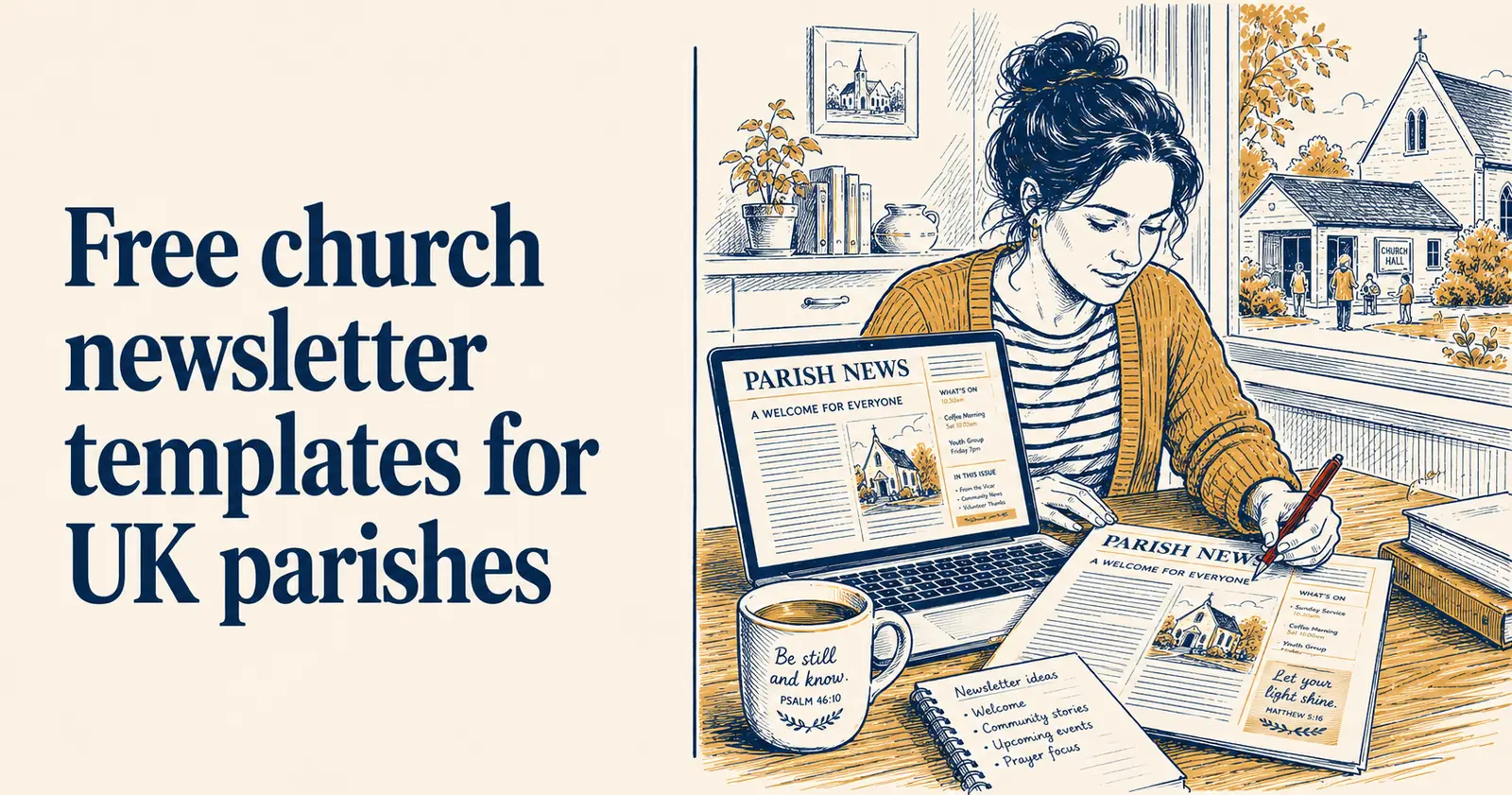
Free church newsletter templates for UK parishes
A church newsletter serves a different purpose from social media. Social media is public-facing: it reaches your congregation and, with some luck and good content, people beyond it. A newsletter is inward-facing: it serves people who are already part of your church community and want to know what is happening in more depth than a Facebook post allows.
The two are complementary rather than competing. Most churches that communicate well with their congregation use both.
This guide covers what a church newsletter should contain, how to structure it, and the tools that make producing one regularly achievable without it consuming significant volunteer time.
What a church newsletter is for
A newsletter serves your existing congregation. Its primary jobs are keeping people informed about what is happening at the church, deepening community connection, and creating a record of the church’s life over time.
It is worth being clear on what it is not trying to do. A newsletter is not the best vehicle for reaching new people - that is what your social media and website are for. A newsletter that tries to function as both outreach and internal communication often does neither well.
How often to publish
Monthly is the right cadence for most UK churches. Weekly newsletters are demanding to produce and often end up thin. Quarterly newsletters leave too much of a gap and tend to be read by fewer people because they arrive infrequently enough to feel slightly unfamiliar.
Monthly means twelve issues a year, each one manageable to produce in a two to three hour sitting if you have a clear template and a system for gathering content from the pastoral team.
Some churches publish a shorter weekly digest alongside a fuller monthly newsletter. The weekly digest covers service information and immediate announcements; the monthly covers features, reflections and longer content. This works well if you have two volunteers who can share the workload.
What to include
A church newsletter does not need to be long. Six to eight sections, each one brief, is enough for most churches. Here is a structure that works:
A word from the pastor. A short reflection from the pastor or minister - three to five paragraphs. Not a sermon, not a full article, just a personal and pastoral note. This is the section most readers turn to first.
Upcoming events. A clear list of what is happening in the coming month: dates, times, locations, any booking requirements. This section should be easy to scan, not a paragraph of prose. A simple table or bullet list works better than sentences.
Prayer requests and praise. Items for prayer from the congregation, alongside answered prayers or causes for thanksgiving if the pastoral team shares these. Many congregation members look for this section specifically.
Community news. People in the congregation who have had a baby, got married, moved away, are celebrating an anniversary, are ill and would appreciate prayer or a card. Always get permission before including personal information.
A feature or article. One slightly longer piece per issue: a reflection on a theme the church is exploring, an interview with a congregation member, a report from a mission trip or community project, a piece on a book worth reading. This gives the newsletter substance beyond a noticeboard.
Serving rotas and practical information. Who is on the welcome team this month, who is leading worship, contact details for key people. Useful to have in print and in the newsletter archive.
A closing thought. A brief quote, a Bible verse, or a short reflection to end on. Does not need to be from the pastor - a congregation member can contribute this.
Template structure
Here is a simple one-page template structure you can adapt directly:
[CHURCH NAME] NEWSLETTER [Month] [Year]
A word from [Pastor’s name] [3-5 paragraphs]
Coming up this month [Date] - [Event name] - [Time] - [Location] [Date] - [Event name] - [Time] - [Location]
Prayer and praise Please pray for: [names/situations with permission] We give thanks for: [answered prayers, good news]
Community news [Brief items about congregation members, with permission]
This month’s feature [Title] [300-500 words]
Rotas and contacts [Practical information]
To close [Quote or verse]
Tools for producing a newsletter
Canva (free tier): Canva has newsletter templates that can be adapted for a church newsletter. The output is a PDF suitable for printing or emailing as an attachment. The free tier is sufficient for most church newsletter needs. The limitation is the same as with all Canva free tier use: no saved Brand Kit, so you are applying your church’s colours manually each time.
Mailchimp (free tier): If you are sending the newsletter by email rather than printing it, Mailchimp’s free tier handles up to 500 contacts and includes email newsletter templates. The free tier now has some limitations on sending frequency but is adequate for a monthly newsletter to a small congregation.
Microsoft Word or Google Docs: For churches that print and distribute their newsletter physically, a simple Word or Docs template is entirely sufficient. Format it consistently, export as PDF for printing, and save the template so the structure is ready each month.
ChurchSuite: If your church uses ChurchSuite, the contact database can be used to manage your newsletter mailing list and segment it if needed. ChurchSuite does not produce the newsletter itself but handles the distribution infrastructure.
Making it sustainable
The most common reason church newsletters stop is that the person producing them burns out. The production load falls on one volunteer who has no system, has to chase content from multiple sources each month, and spends more time on it than the output justifies.
A few things that make newsletters sustainable:
Set a content deadline for contributions. If the newsletter goes out on the first Sunday of the month, the deadline for contributions is the Tuesday before. This is non-negotiable. Content that arrives after the deadline goes in next month’s issue.
Assign sections to specific people. The pastor writes their reflection. The children’s worker provides the family news. The events coordinator provides the events list. The newsletter editor assembles and formats. No single person carries the whole thing.
Use a template every month. The structure does not change from issue to issue. The content changes. Once the template is set up, production time drops significantly.
For keeping on top of what is happening across the church calendar to populate the events section, see how to connect ChurchSuite to your social media - the same event data that feeds your social media calendar can feed your newsletter events list.
Newsletters and social media
The newsletter and your social media presence work well when they are coordinated rather than running in parallel without reference to each other.
Content from the newsletter - the pastor’s reflection, a feature article, a striking quote - can become social media posts. Social media posts can point people to the newsletter for more detail. Events announced on social media appear in the newsletter events list with fuller information.
The volunteer who manages social media and the person who produces the newsletter should be in regular communication, even if they are the same person. The church’s communications should feel joined up rather than produced independently by people who do not know what the other is doing.
ChurchReach handles the social media side of church communications. For a tool that connects your events, graphics and scheduling in one place, start a free trial at churchreach.co.uk.